
Minecraft: Java Edition launcher
Modded Minecraft without the busywork.
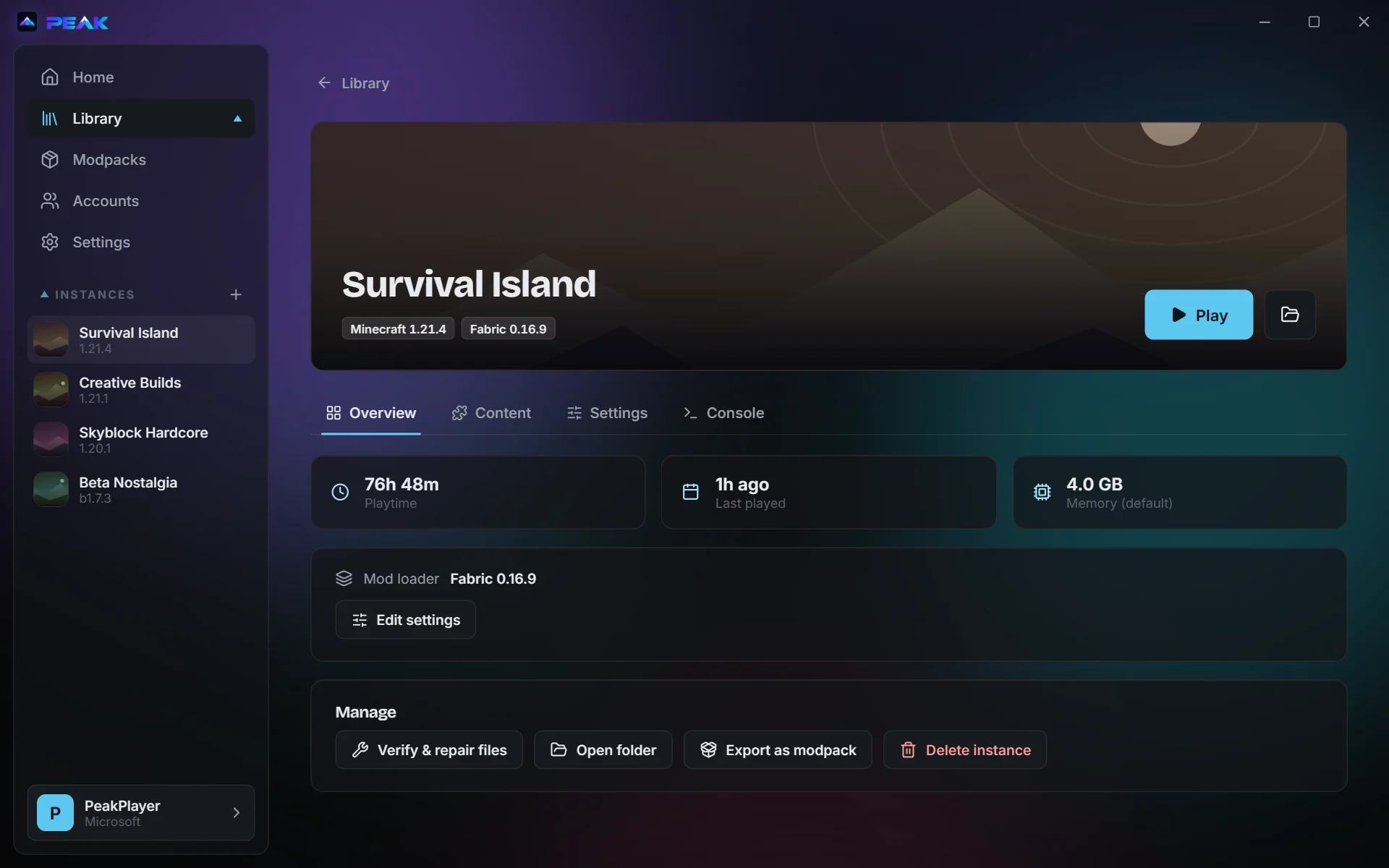
Peak installs modpacks from Modrinth, CurseForge, FTB and Technic, keeps each instance's mods separate, and downloads the right Java for whatever version you play. It's free and open source.
Windows, macOS and Linux. GPL-3.0.
Modpacks
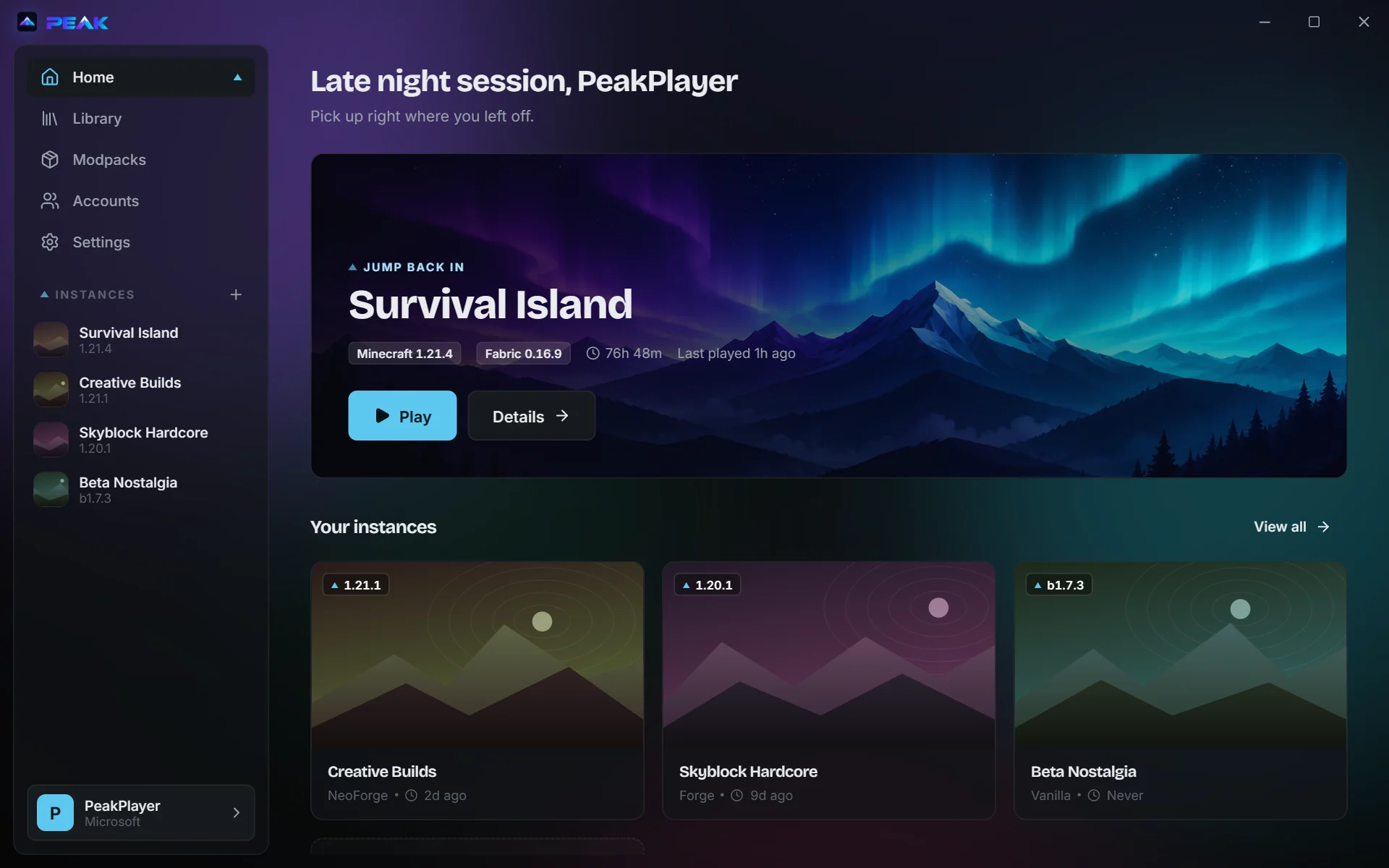
Four libraries, one Install button.
Browse Modrinth, CurseForge, Feed The Beast and Technic from the same page. Installing a pack gives you an instance that's ready to play: the loader, libraries and mods are all set up.
 Modrinth
 CurseForge
 Feed The Beast
 Technic
 packs are supported from Minecraft 1.6 onward. Already have a
.mrpack or CurseForge .zip? Import the file directly.
Mods
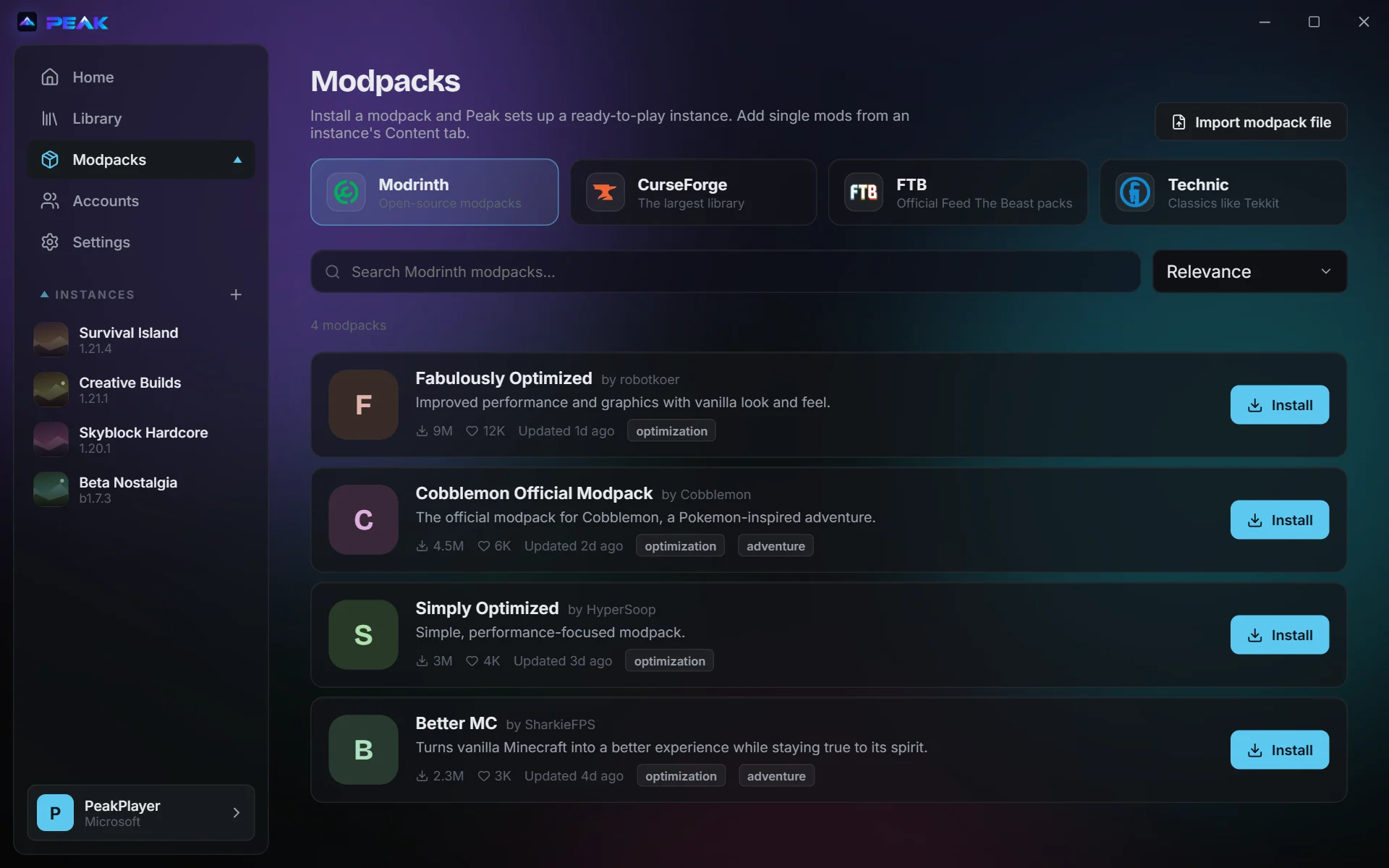
Every instance keeps its own mods.
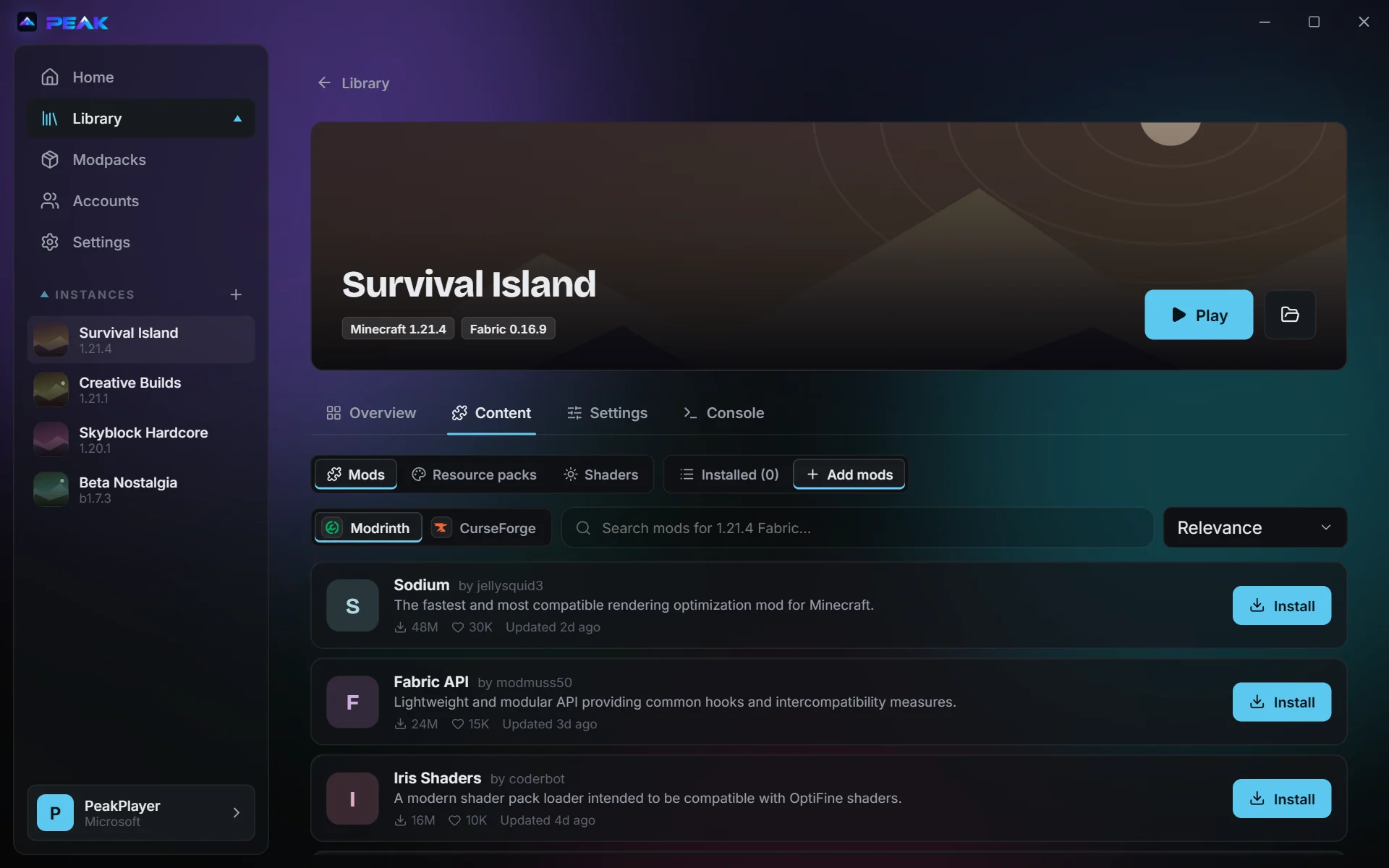
Open an instance's Content tab to search Modrinth and CurseForge for mods, resource packs and shaders. Results are already filtered to that instance's Minecraft version and loader.
When a mod needs others, Peak lists each dependency with the reason (“Required by Sodium Extra”) and asks before installing anything.
Loaders
Fabric, Quilt, Forge (1.7.10 and newer) and NeoForge. Pick one when you create an instance, or let a modpack choose.
Java
Each Minecraft release says which Java it needs. Peak downloads that runtime and uses it. You can still point an instance at your own.
Blocked downloads
Some CurseForge authors don't allow launchers to download their files. Peak links you to each one, watches your Downloads folder, and moves the files into place as they arrive.
Coming from another launcher
Bring your instances with you.
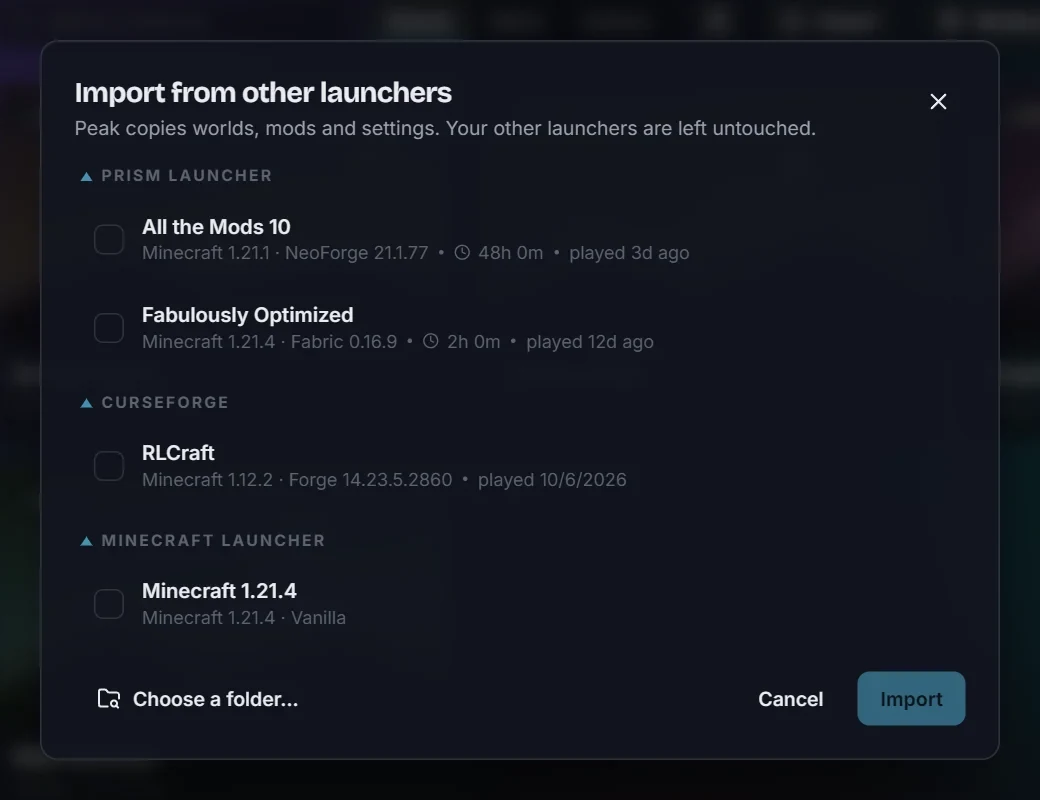
Peak finds instances from:
- Prism Launcher, PolyMC and MultiMC
- ATLauncher
- The CurseForge app
- The official Minecraft Launcher
- Older Modrinth App profiles
Worlds, mods and settings are copied. Your other launcher is left exactly as it was, so you can go back whenever you like.
Sharing
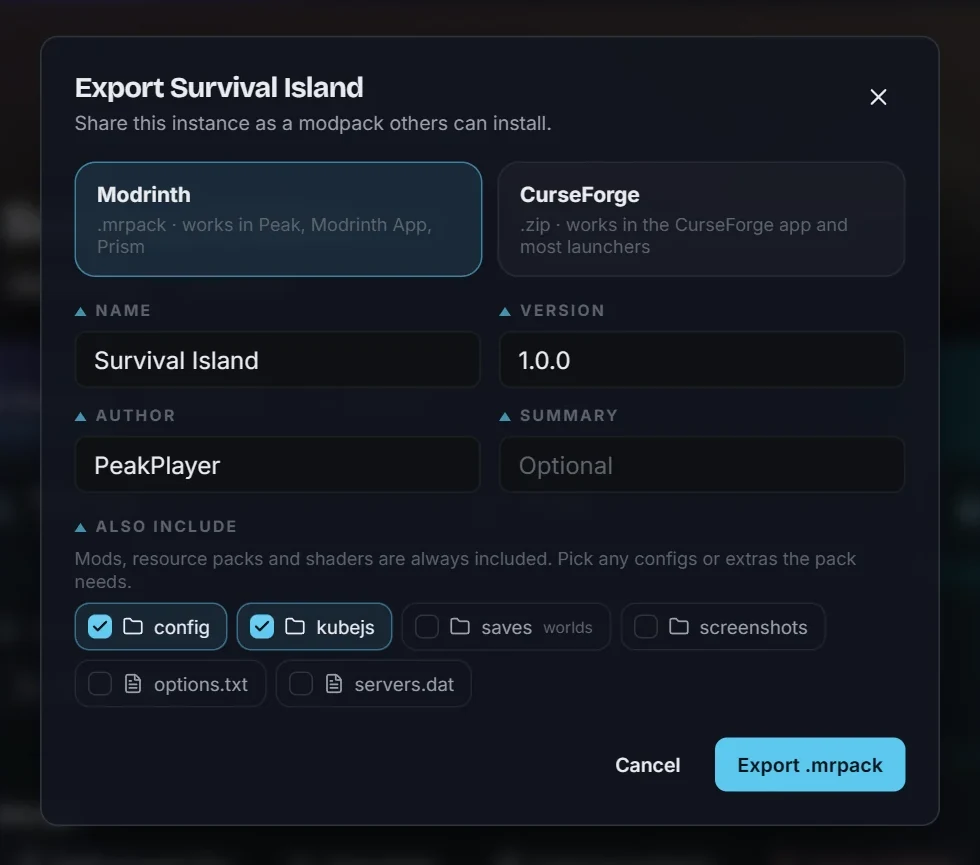
Export a pack your friends can install.
Turn any instance into a Modrinth .mrpack or a CurseForge
.zip. Mods that are on the platform are linked rather than
copied. Anything else gets bundled and listed, so you can check
you're allowed to share it.
Pick which configs, scripts or worlds go along with it.
More of the app
Screenshots
Download
Get Peak
Every build is on GitHub Releases, along with the changelog.
-
Windows
Installer for Windows 10 and 11.
Download for Windows -
macOS
A
Download for macOS.dmgdisk image. -
Linux
AppImage,
Download for Linux.deband.rpm.
You'll need a Microsoft account that owns Minecraft: Java Edition.
Questions
FAQ
Is Peak free?
Yes. It's free software under the GPL-3.0 licence, and the source code is on GitHub.
Do I need to own Minecraft?
Yes. Peak signs you in with your Microsoft account and launches the Java Edition you own. It doesn't work around that.
Why does CurseForge content go through api.peaklauncher.com?
CurseForge's API needs a key, and a key shipped inside an app isn't secret for long. So Peak asks a small proxy we run, which adds the key and forwards a fixed list of read-only requests to CurseForge. The proxy doesn't keep a record of what you search for. If you'd rather use your own key, paste it into Settings → Integrations and Peak will talk to CurseForge directly.
Will importing change my other launcher?
No. Peak copies the files it needs and never writes to the other launcher's folders.
Where does Peak keep its files?
%APPDATA%\PeakLauncher on Windows,
~/Library/Application Support/PeakLauncher on macOS and
~/.local/share/PeakLauncher on Linux.
Something's broken. Where do I report it?
Open an issue on GitHub or email support@peaklauncher.com. The instance's Console tab has the log, which helps a lot.